Author Archives: admin

SDL Tridion Folder

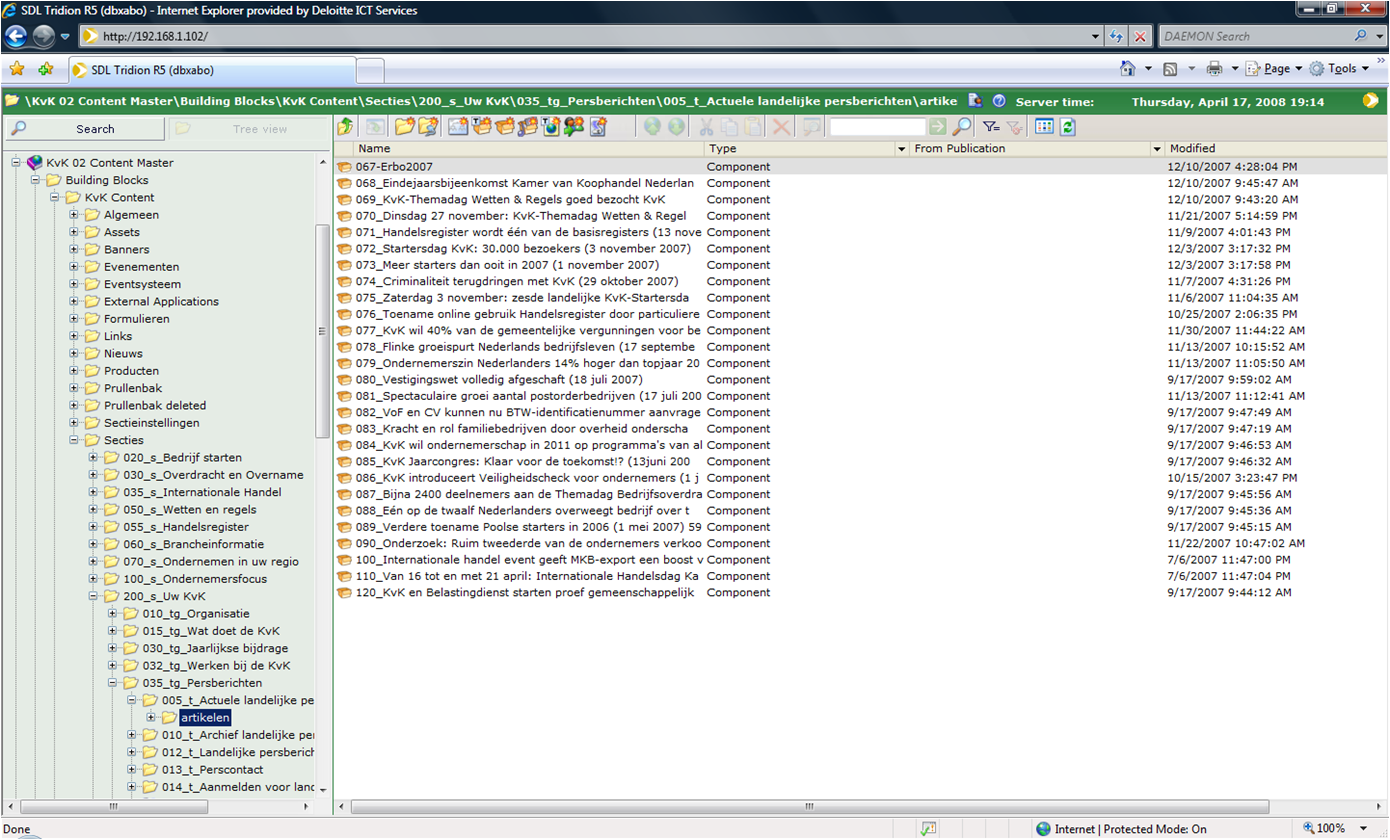
Tridion folders are used to store components and subfolders and are similar to directories (or folders on windows) on a file system. A folder can also contain metadata which can be used to describe the content of the folder. Permissions for different users or user groups can be set per folder.

It is good practice to use the folder structure for generating the main navigation for the website. Using the folder structure for the navigation gives content editors a solid view of the navigation as opposed to other options. The drawback is that generating the navigation structure from within Tridion is slow. However there are remedies to this (todo: write about advanced navigation structure rendering)
SDL Tridion Publication

Tridion publications contain the building blocks used in Tridion blue printing. A Tridion Publication contains ONE of the following website parts:

  • Nothing. Also known as the “Empty Master” has no parents and can never be given a parent. Placed to ensure that in the future the publications below it can be given new parents.
  • Data design in the form of (XML) Schemas
  • Frontend design and functionality. Component Templates, Page Templates, javascript, CSS etc.
  • Components (content) for one language (English, Spanish) and one domain (website.com) or channel.
  • A physical website. Usually only inherits from design and content and, optionally, a publication may contain Tridion pages. This type of Publication only combines content and design elements from parent publications. Usually it does not contain any local design parts or content.

It is possible to do all of the above in one publication. However this limits the possibility of re-use and with that the advantages Tridion offers in terms of maintenance.

SDL Tridion Page

A Tridion page corresponds with a physical page (HTML/ASP/JSP/XML/CSS etc) on a website. The type and layout of the page are defined by the Page Template that is used on the page.

A page is also a container for Component Presentations. It is possible to add 0 or more Component Presentations (chunks of rendered content) on one page. The Page Template will determine how the Component Presentations are placed on the page. In addition it defines the HTML header tags and which navigation blocks are visible.

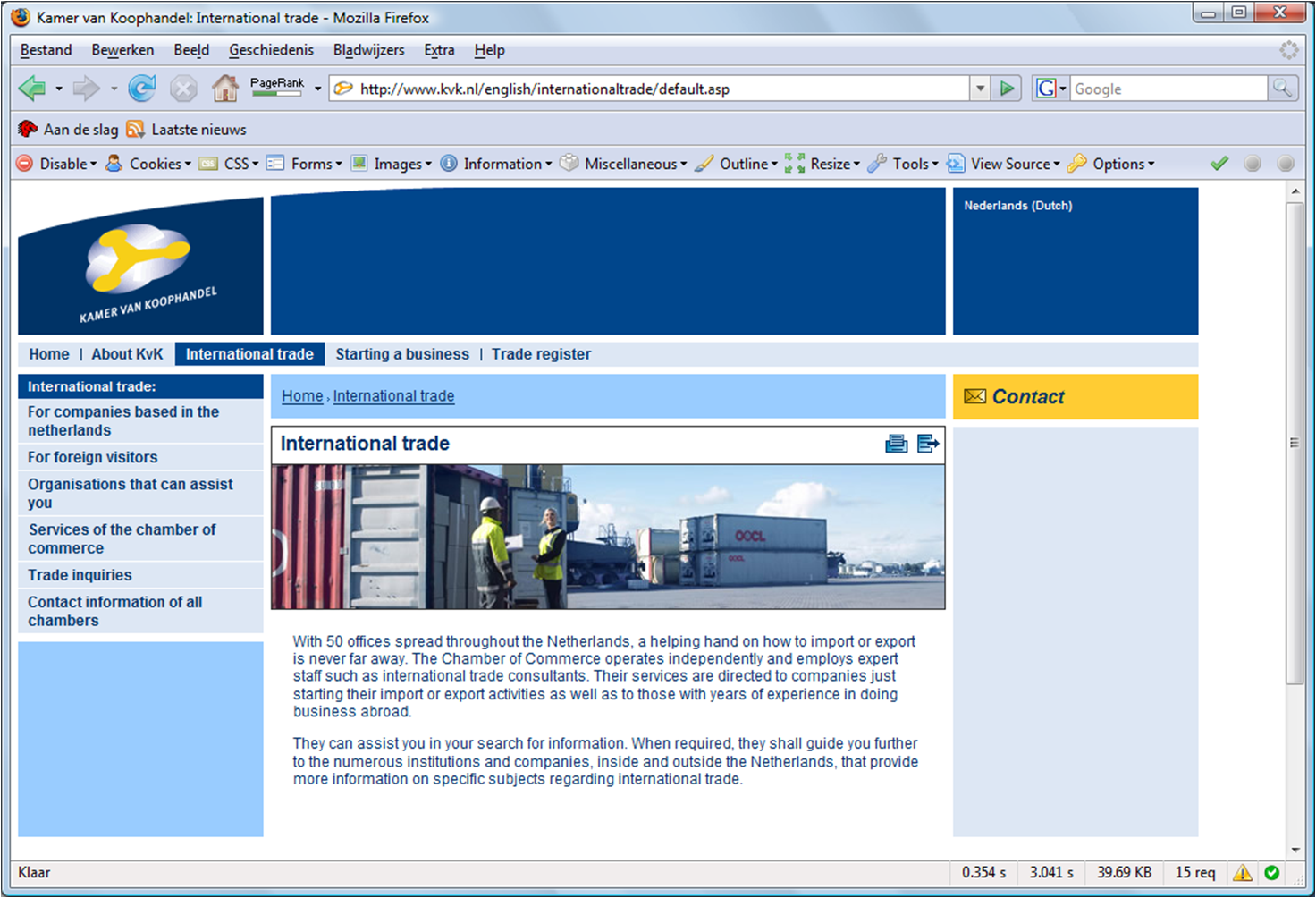
The end result will look something like this:

Page Template SDL Tridion

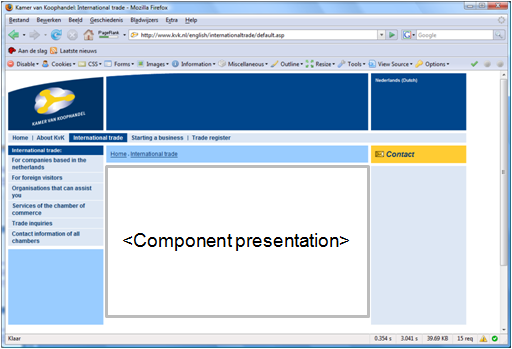
The Page Template (PT) defines the overall layout of a page. It is in fact  a master page which defines the header, footer and navigation on a particular page type. It also defines where Component Presentations are placed on the page. The picture belows shows what is defined in the Page Template

In addition it defines:

  • The HTML header (<title>, <meta>etc)
  • JavaScript Includes.
  • File extension of the page (asp, jsp xml, xslt etc.)

The page template is used in the static publishing model only.

SDL Tridion Component Presentation

A Component Presentation (CP) is a rendered chunk of a component(content). The rendering is done by a Component Template. A component Presentation is either used as part of a fully rendered Page(see page 2) or it is published to the broker DB (see below). Using different Component Templates you can create different Component presentations from the same Component.

SDL Tridion Component Template

A Component Template  or CT is a small program which is used to render (parts of) components based on  specified schema’s. In other words programs which create chunks of XHTML. In Tridion parlance these chunks are called Component Presentations.

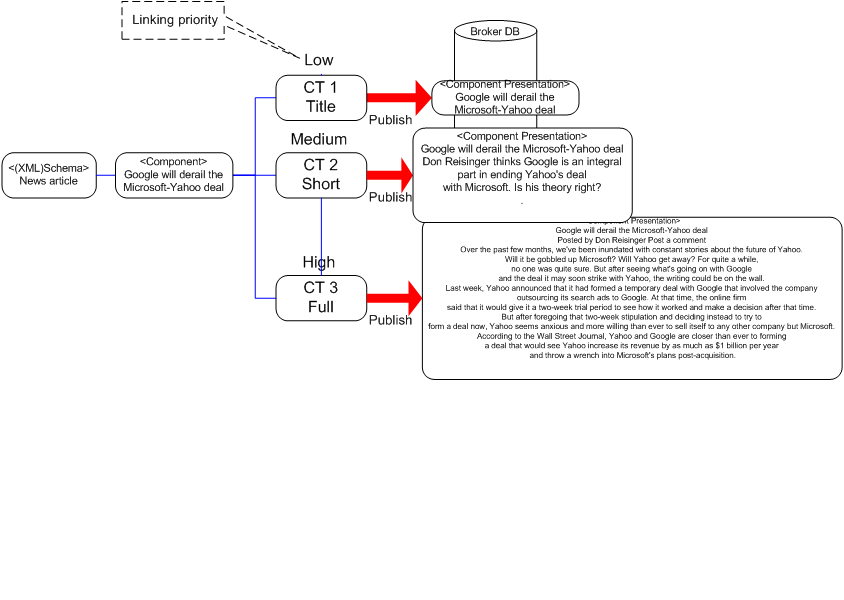
It is possible to use different CT’s to render the same content. An example might be the rendering of a news article. You might want to present on your homepage a link to a new article. On a news overview page you might want to display the title with a short description of the news content. And there will be a place where the full article is displayed.

This can be achieved by defining three different CTs where each one renders the specific occurrence on the website.

Configuration options for a CT include:

  • Linking priority. To get the component links pointing towards the full news article version set the linking priority of this CT to high (or the others to low).
  • Template type: Vbscript, Jscript, XSLT, Compound template, .NET.
  • Output format: XML, HTML, ASP, JSP etc.
  • Publication model: Embedded on a page (static), Dynamic.
  • Linked schemas. Components based on these schema will be rendered with the CT. •

SDL Tridion Component

Tridion component

A component is an instantiation of one of the Tridion (XML) schemas. It is a piece of XML which can be validated against the XML Schema that was created for the specified content type. It contains both content and metadata fields. Useful GUI functions include:

  • Versioning makes it possible to revert to a previous version or to compare two different versions.
  • ‘Where used’ which shows a list of other Tridion items using this component

SDL Tridion (XML) schema

A Tridion schema is used to define both the content and meta data fields for a certain type of content (=component in Tridion Lingo). It is an XML Schema which can be generated from the Tridion GUI. Not all options available in XML Schema are available from the GUI. However it is possible to use most XML schema functionality by manually editing the XML Schema.

An example could be the following schema for a news article:

  • Fields
    • Title
    • Body
    • Keywords
    • Description
  • Meta data fields
    • Source
    • Publish date
    • Alias

The difference between meta data and normal fields is simple: meta data fields are published to the broker DB to the “custom metadata Table” content fields are not. The advantage is that you can query the metadatatable for specific content (i.e. select the last 5 news articles).

Security can be applied to give specific users the right to create news articles and deny it to others.

Additional links:

www.TridionTutorials.com: Schema (site down since 10-2008)

Alias in Tridion

The goal of an alias is to create a link to some article on your web page that is short and descriptive enough for your audience to remember. Application could be for a TV commercial or printed media. In these cases you want to keep the URL short and simple.

For example the url http://website.domain.com/products/2008/1235469/default.aspx is impossible to remember. Therefore you want to be able to create a link like www.domain.com/alias. I have seen a number of interesting and very complicated solutions to this problem. However the easiest way to implement it is the following: Continue reading

Evenementen database and online shop

Shortly after the go live of the chamber of commerce website we identified some parts that were at the end of their software life cycle (TODO:unable to find suitable link will create post on that myself).

One of these components was a vehicle called the “product selector”. This part of the site was styled very differently and had a very strong willed DB text search function. Needless to say the “sale” of the products are regarded as important KPI’s for the website. The products contained in this vehicle were (in order of appearance):

  1. Downloads
  2. Seminars
  3. Brochures

Continue reading